Notes on a second device
-
Paste the script into Notes on an iPad or a second phone.
-
Make the text large: pinch out, or use Settings, Display & Brightness, Text Size.
- Settings
- Display & Brightness
- Text Size
-
Set it just below the recording iPhone’s front camera and scroll by hand as you read.
Where the built-in way stops
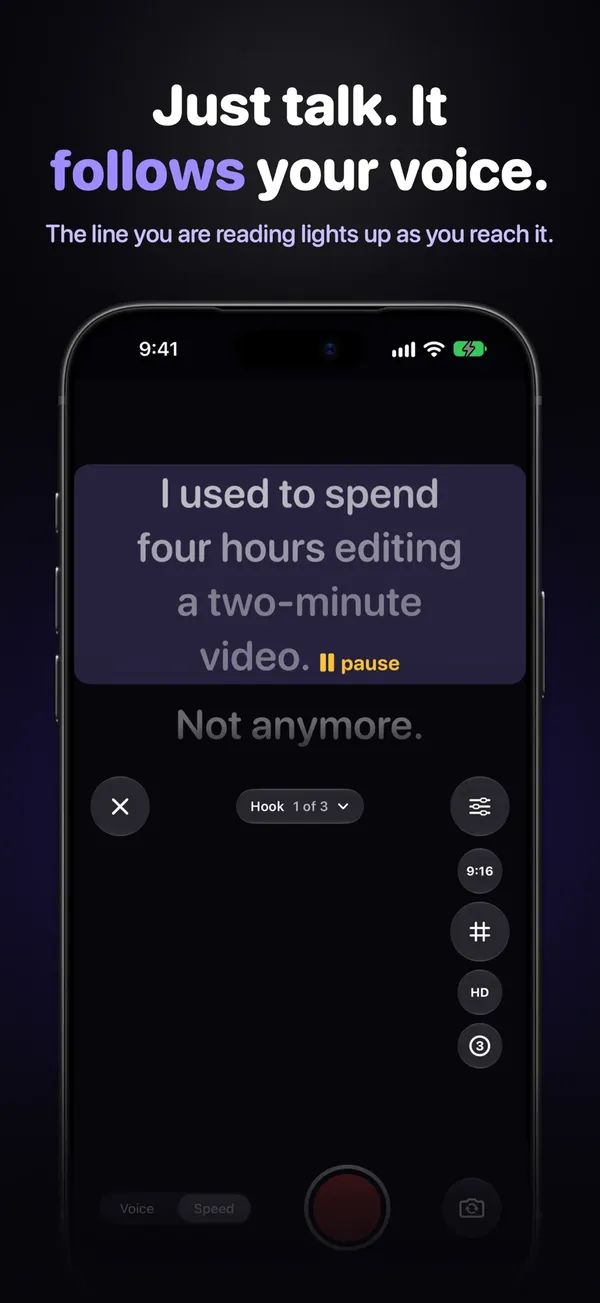
The Camera app cannot show text over the picture, so the script lives on another screen and your eyes drift away from the lens. You also scroll by hand.