Export a smaller copy with iMovie
-
Install iMovie from the App Store. Apple makes it and it is free.
-
Tap Start New Project, choose Movie, select the video and tap Create Movie.
-
Tap Done, then the Share button, then Options and pick a lower resolution such as 720p.
-
Tap Save Video. The smaller copy lands in Photos next to the original.
Make future videos smaller
-
Open Settings, then Camera, then Formats and choose High Efficiency.
- Settings
- Camera
- Formats
- High Efficiency
-
Go back, tap Record Video and pick 1080p at 30 fps instead of 4K. The screen shows roughly how much space a minute takes at each setting.
Where the built-in way stops
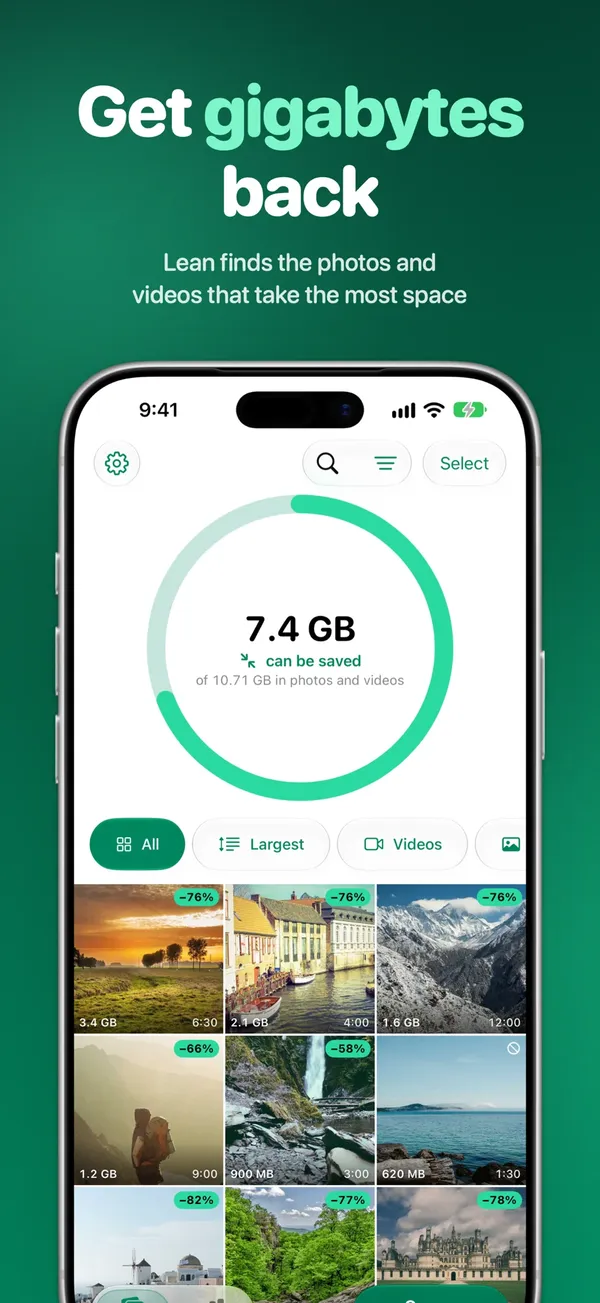
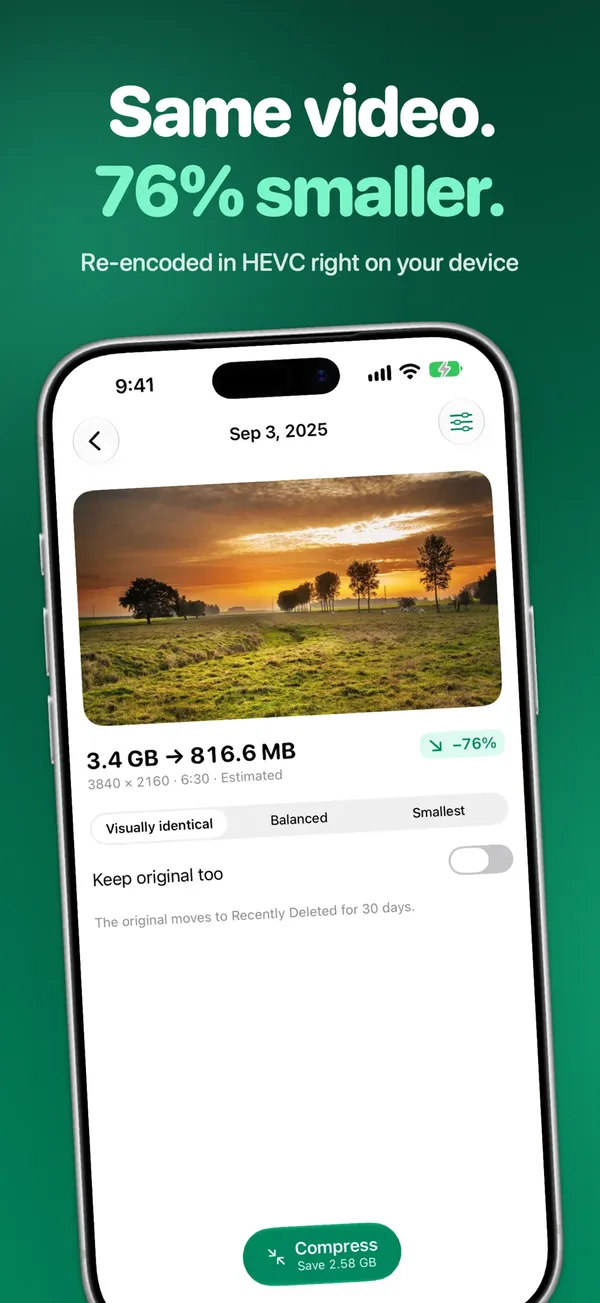
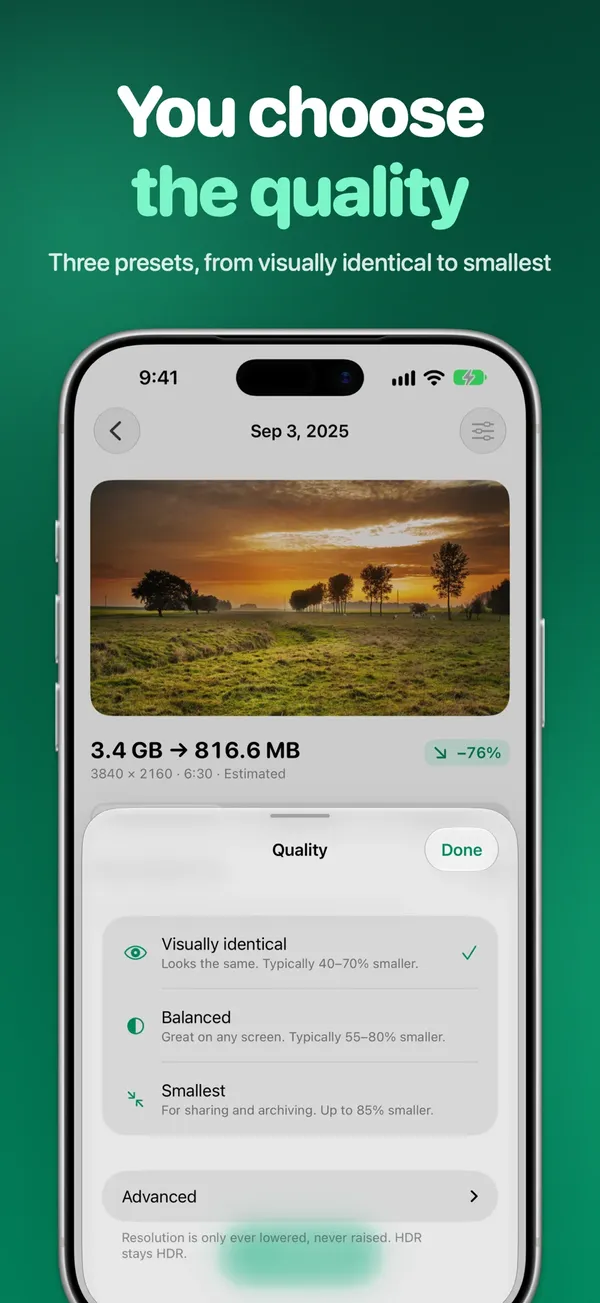
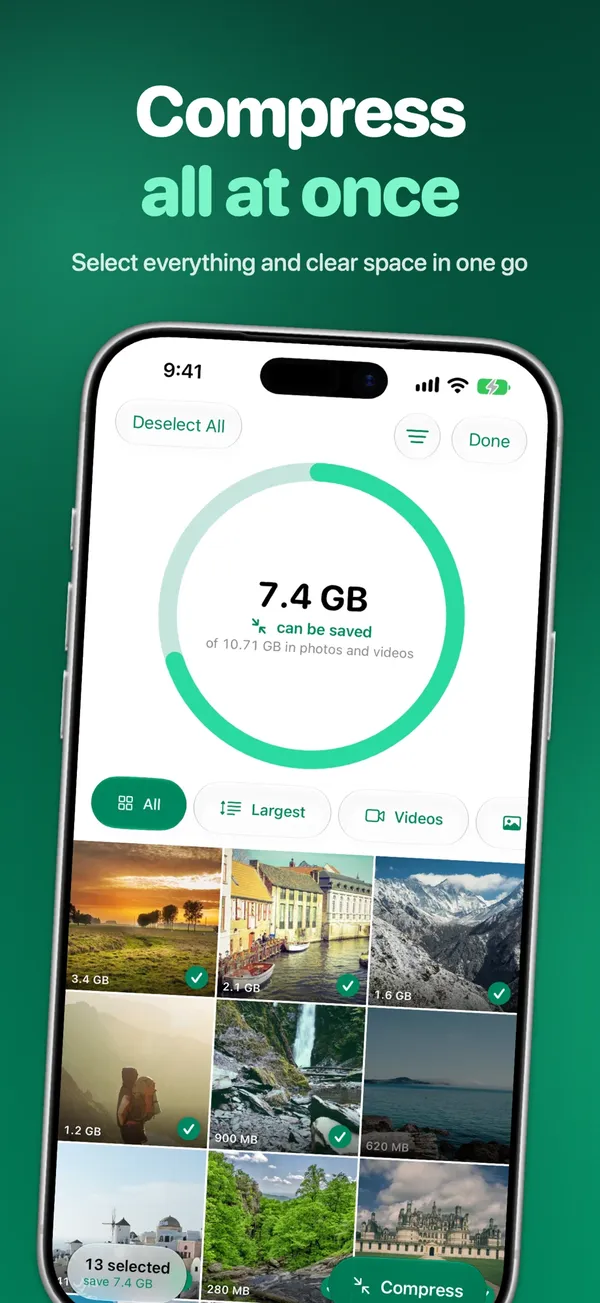
iMovie only offers fixed resolutions, so you cannot ask for a file under 25 MB for an email or a form. It also leaves the large original in place.