Split and delete in iMovie
-
In iMovie, start a Movie project with the video.
-
Move the playhead to the start of a pause, tap the clip and tap Split.
-
Move to the end of the pause and split again, then select the quiet piece and tap Delete.
-
Repeat for each pause, then Share and Save Video.
Where the built-in way stops
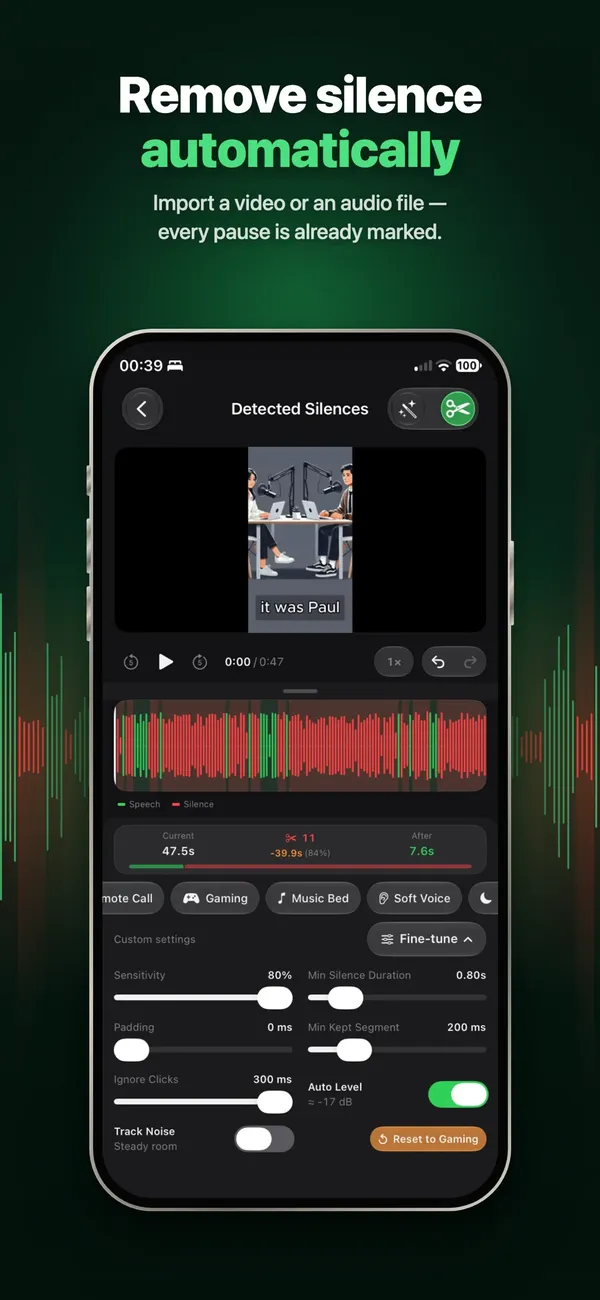
Each pause takes two splits and a delete by hand. A ten-minute talk can have a hundred pauses.