Pocket How
Guides

How to turn your handwriting into a font on iPhone

Works on iPhone and iPad. Updated .

Short answer

iPhone cannot make a font from your handwriting by itself. On a recent iPad with Apple Pencil, Notes can paste typed text in your handwriting, inside Notes only.

Smart Script in Notes, on iPad

  1. Write a few lines in Notes with Apple Pencil so it learns your hand.

  2. Copy some typed text, then paste it into the handwritten part of the note.

  3. Notes sets the pasted text in a version of your handwriting.

Where the built-in way stops

Smart Script needs a supported iPad and Apple Pencil and works only inside Notes. On iPhone there is no built-in way to type in your own hand.

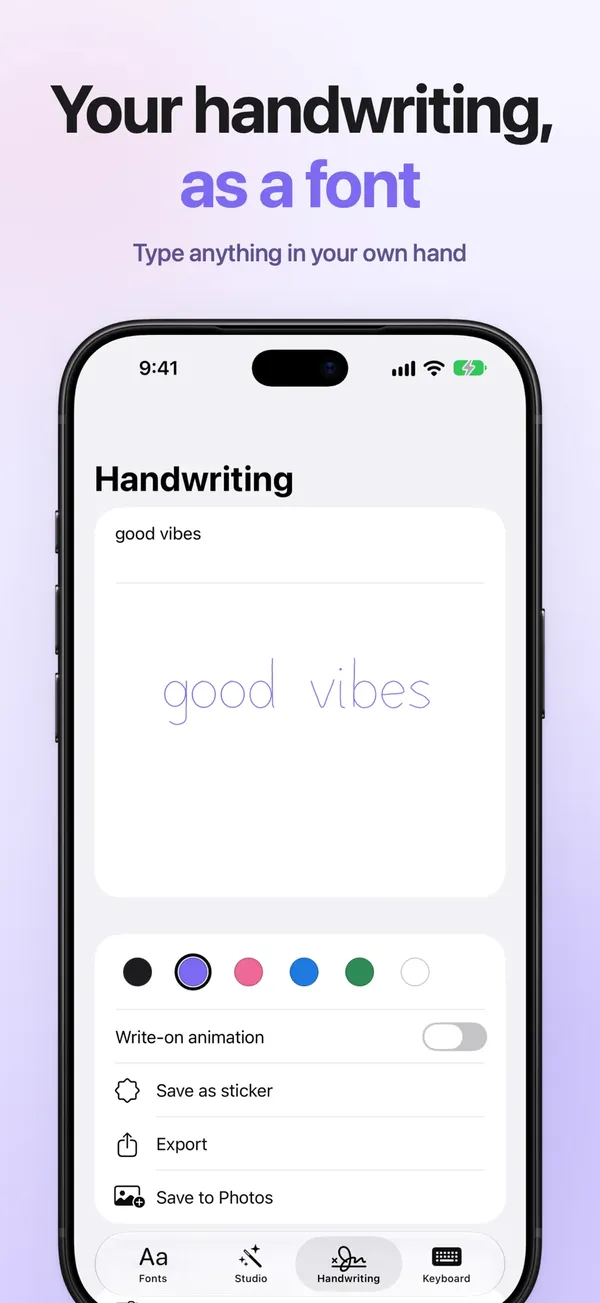
StarType: My Handwriting Font

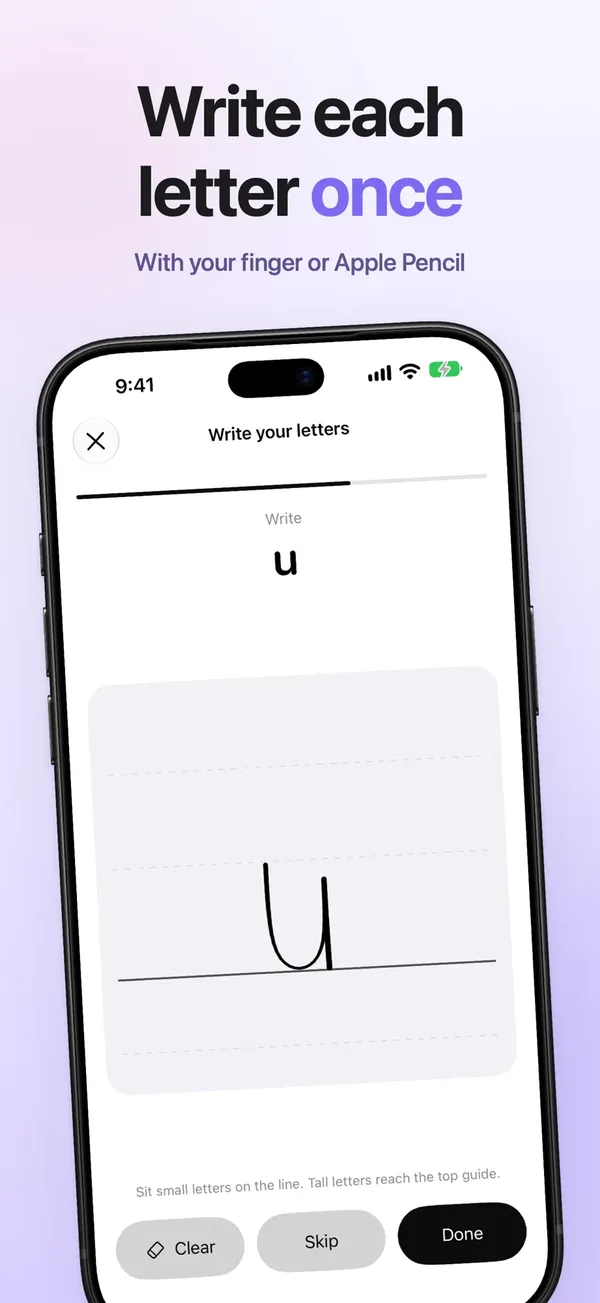
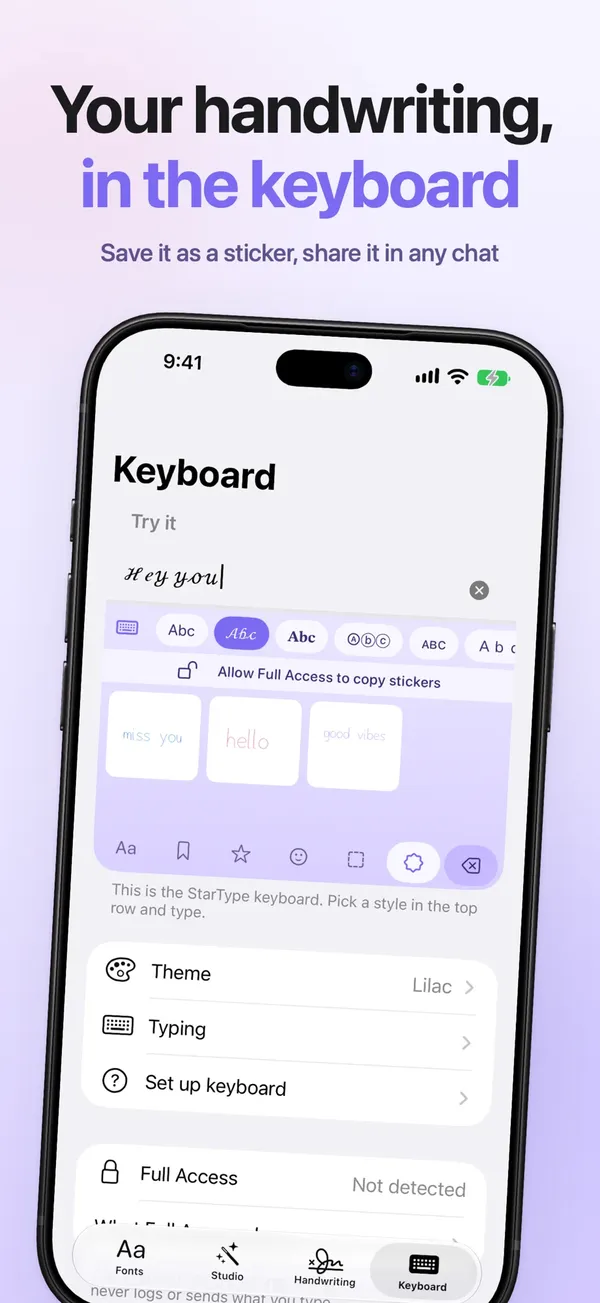
StarType has you write each letter once with a finger or Apple Pencil, then lets you type any word in your own hand and export it as an image, GIF or video.

Get on the App Store
StarType on iPhone, App Store screenshot 1StarType on iPhone, App Store screenshot 2StarType on iPhone, App Store screenshot 3StarType on iPhone, App Store screenshot 4
  • Write each letter once with your finger or Apple Pencil, then type in your own hand
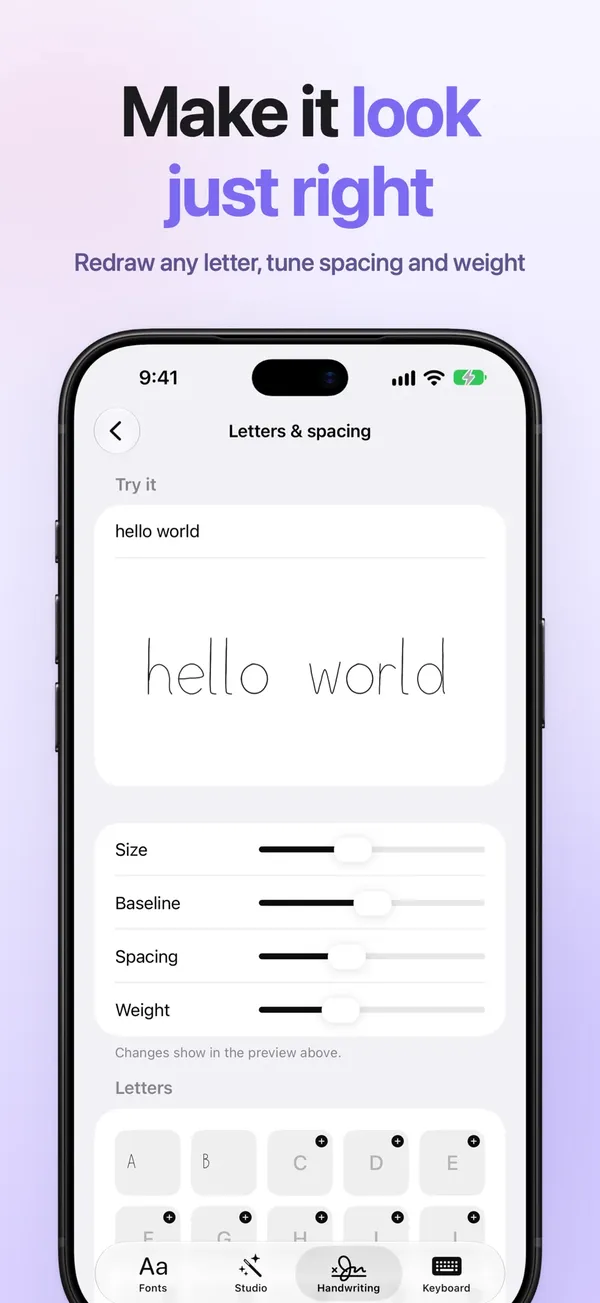
  • Redraw any letter or adjust its size, baseline, spacing and weight
  • Export a transparent PNG, or a write-on GIF or video with Pro

Nothing you type leaves your device. Some exports need StarType Pro.

We make StarType. That is why it is the app named here.

Questions people also ask

  • How many letters do I need to write?

    Every character you want to type: the lowercase and capital alphabet, digits and the punctuation you use.

  • Does it look better written with a finger or a pencil?

    Apple Pencil gives steadier strokes. Write slowly and keep letters the same height.

More things your iPhone can do