Pocket How
Guides

How to practise cursive handwriting on iPad

Works on iPad. Updated .

Short answer

Open a cursive worksheet PDF in Files, add Markup, and trace the letters with Apple Pencil. A stroke-order app tells you when a stroke goes the wrong way.

Trace a worksheet with Markup

  1. Save a cursive worksheet PDF to Files.

  2. Open it and tap the Markup button.

  3. Pick the pen, then trace each letter slowly with Apple Pencil, following the arrows on the sheet.

  4. When a page is full, tap Undo or duplicate the PDF to start again.

Where the built-in way stops

The sheet cannot see your strokes. It never tells you that a letter started at the wrong point or went the wrong way.
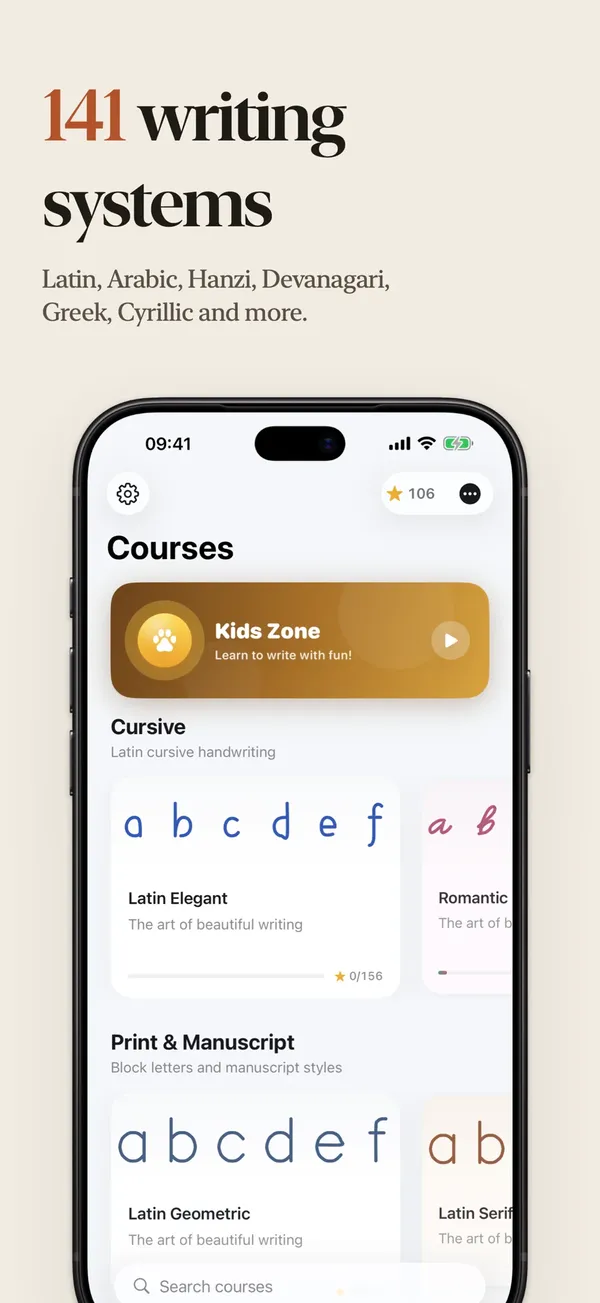
Meshk: Handwriting & Stroke Order

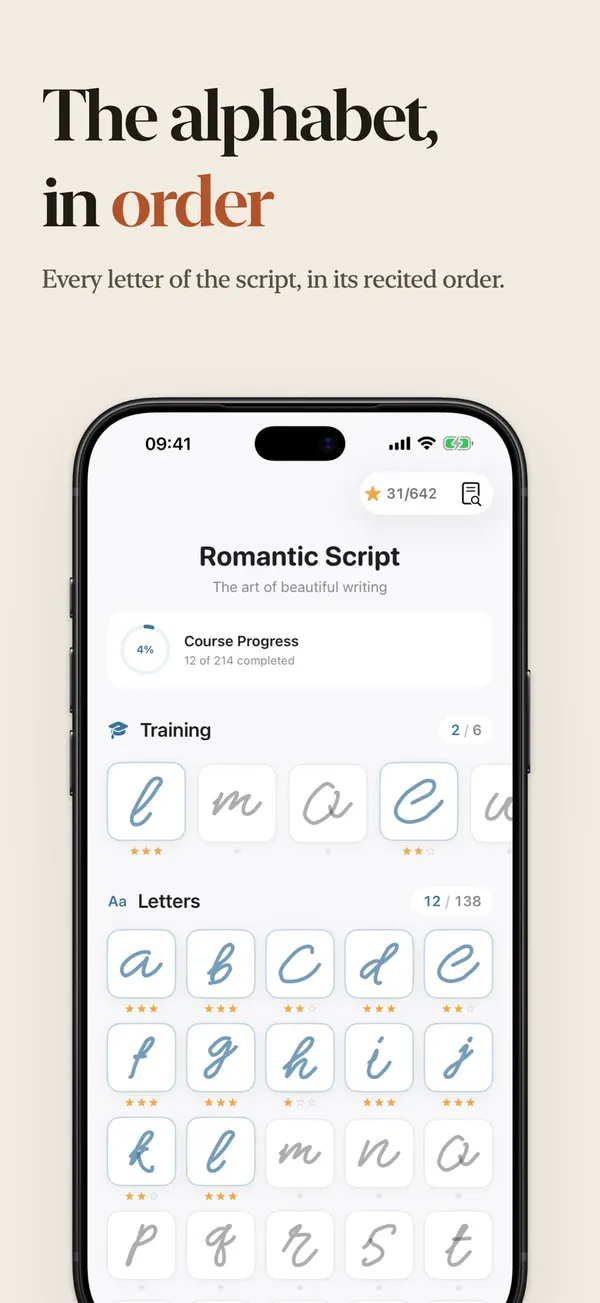
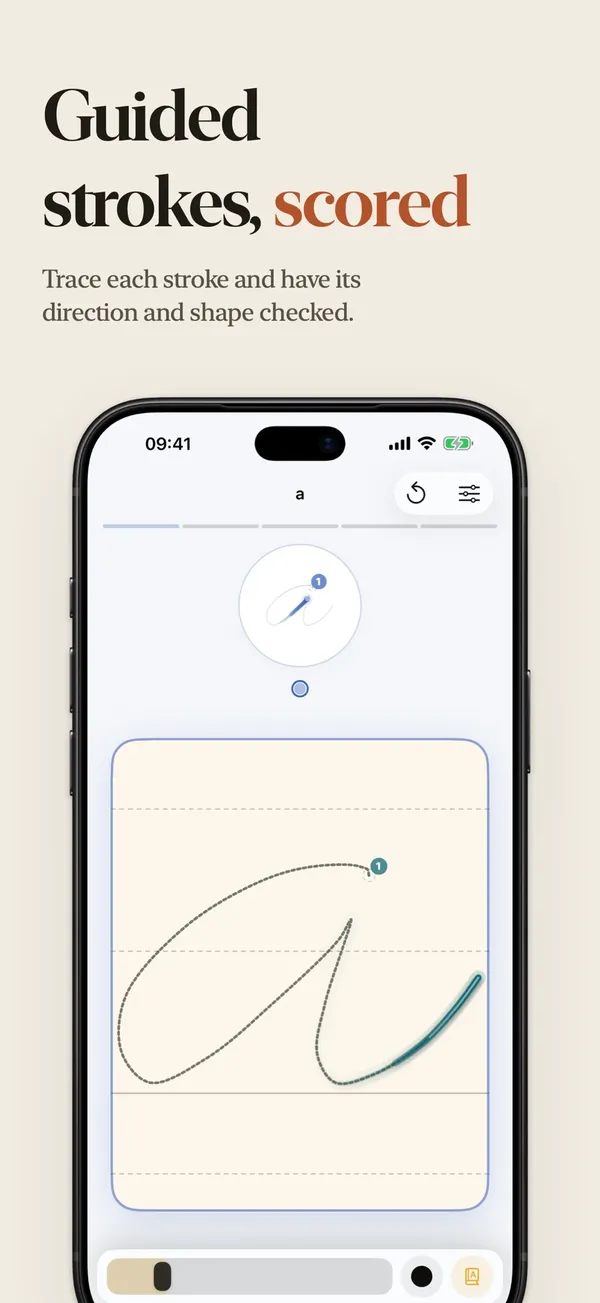
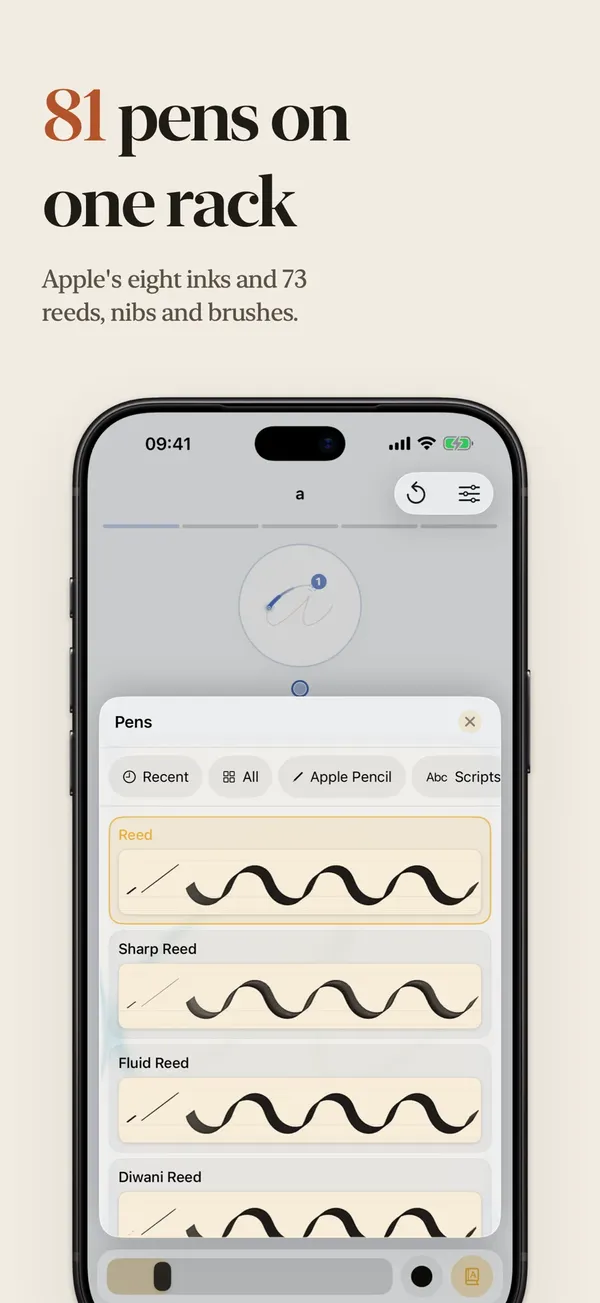
Meshk animates each letter’s strokes, then scores yours for direction, order, shape and placement as you write.

Get on the App Store
Meshk on iPhone, App Store screenshot 1Meshk on iPhone, App Store screenshot 2Meshk on iPhone, App Store screenshot 3Meshk on iPhone, App Store screenshot 4
  • Animated stroke-order guides you can replay at your own speed
  • Every stroke scored for direction, order, shape and placement
  • 139 writing systems, from Latin cursive to the 1,026 school-grade kanji

Every letter and number is free in every course; Pro adds words, exams and your own material.

We make Meshk. That is why it is the app named here.

Questions people also ask

  • How long does it take to learn cursive?

    Most adults can join the lowercase alphabet after a few weeks of short daily practice. Speed comes later.

  • Should adults learn cursive?

    Many do it to read old letters and documents, to write faster by hand, or to sign their name with more ease.

More things your iPhone can do