Check the shape with the handwriting keyboard
-
Open Settings, General, Keyboard, Keyboards, Add New Keyboard.
- Settings
- General
- Keyboard
- Keyboards
- Add New Keyboard
-
Add Chinese, Simplified or Traditional and choose Handwriting.
-
Switch to it with the globe key and draw the kanji. If it appears among the suggestions, the shape is readable.
Where the built-in way stops
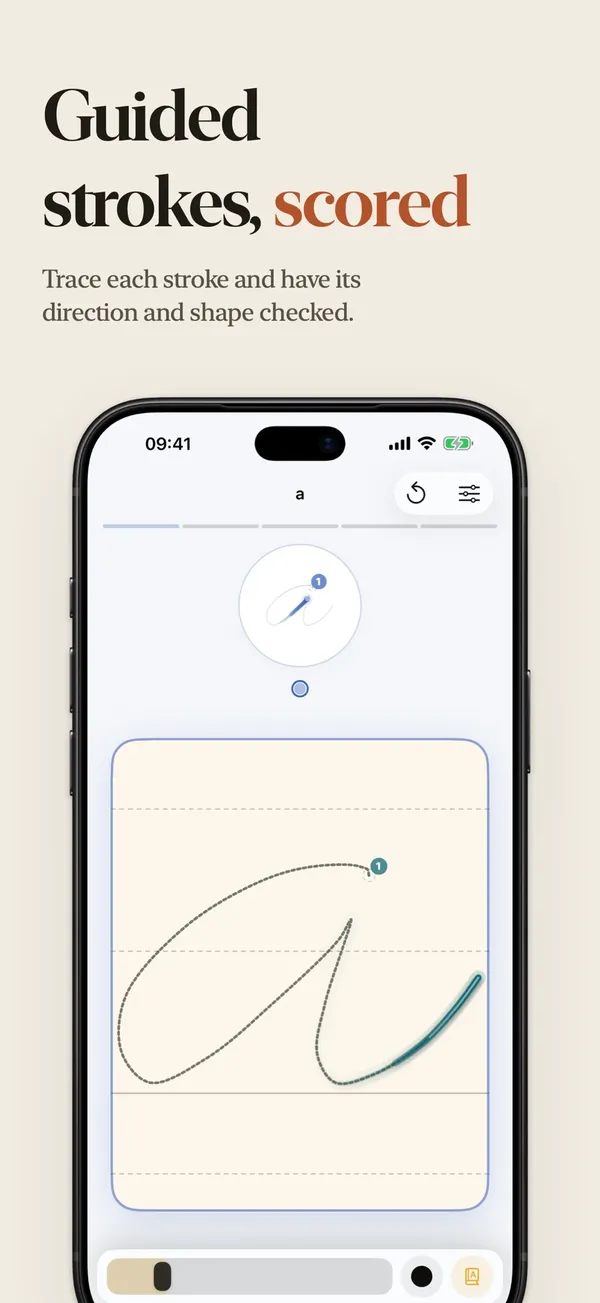
The keyboard recognises the finished shape, whatever order you drew it in. It cannot teach or check stroke order.