Freeform
-
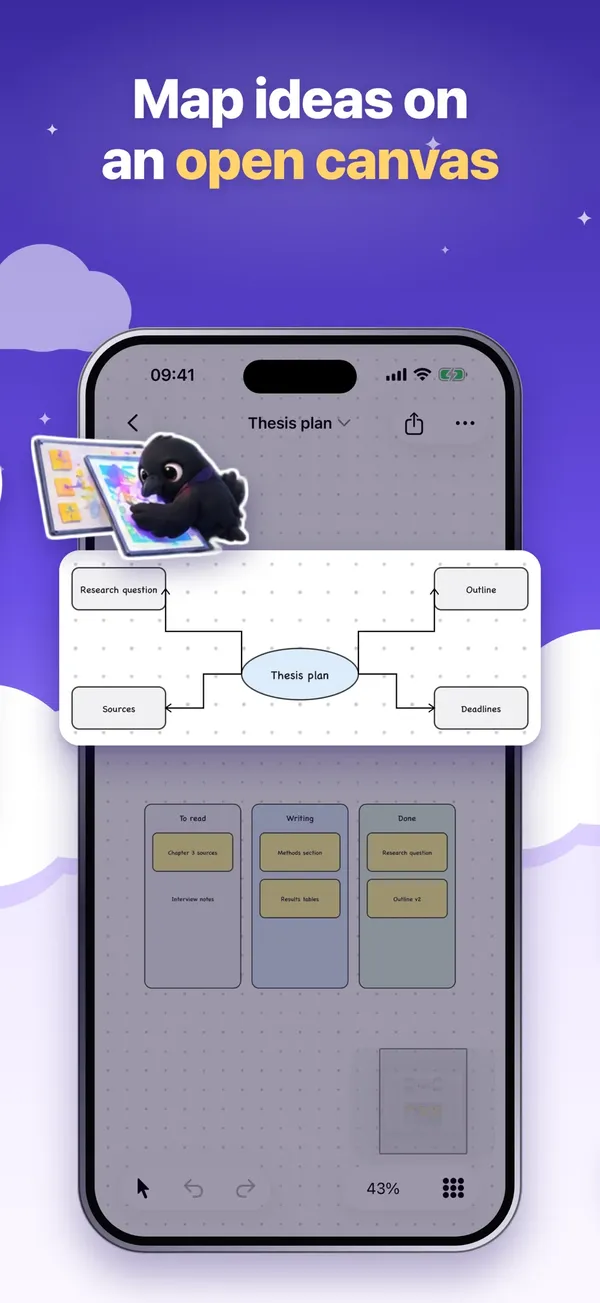
Open Freeform (free from Apple) and create a new board.
-
Tap the Shapes button, add a shape and type the main idea in it.
-
Add sticky notes around it, one per branch.
-
Add lines from the Shapes menu to join each branch to the centre.
Where the built-in way stops
Freeform is a general whiteboard. Branches do not follow when you move a note, and there is no way to study from the map later.