Calendar in day view
-
In Calendar, tap Calendars and add one calendar per kind of task, each with its own colour.
-
Add each task as an event with a start time and a length, and an alert At time of event.
-
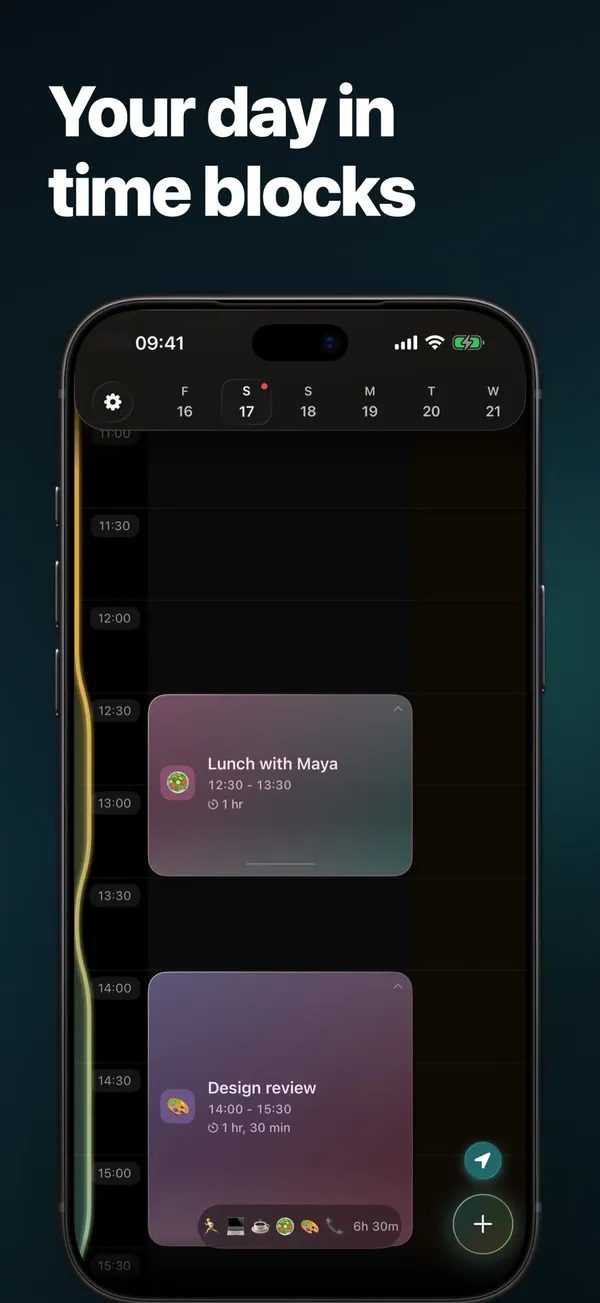
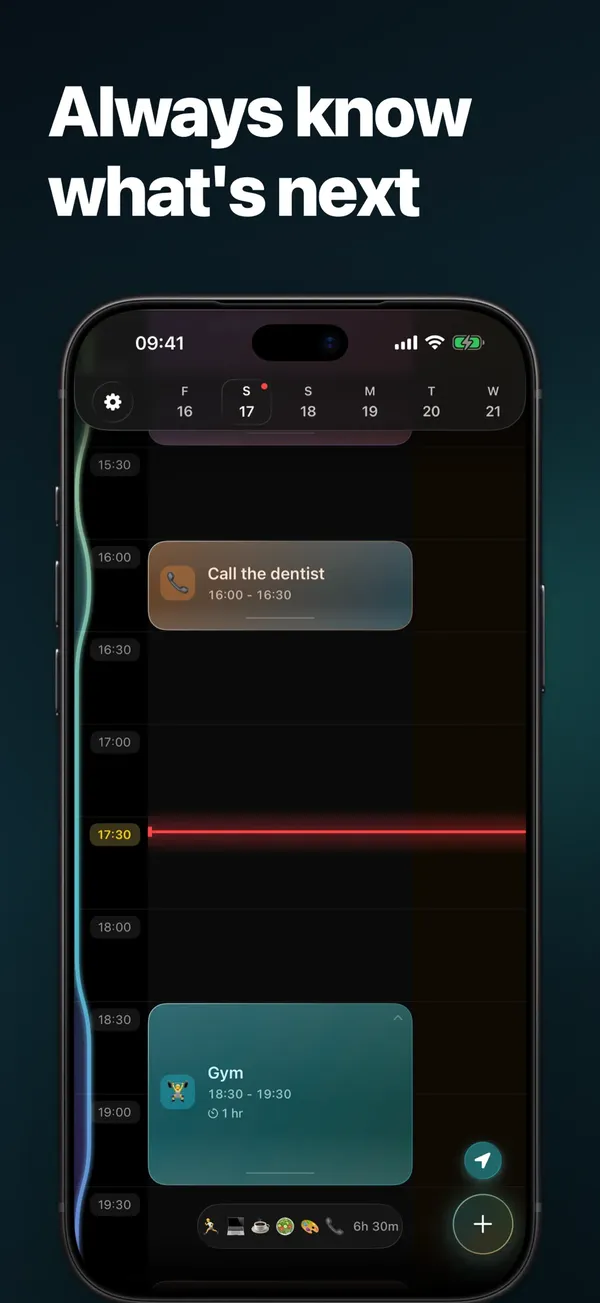
Switch to the day view to see the day as coloured blocks.
-
For a child, start Guided Access with a triple-click so the iPad stays on the schedule.
Where the built-in way stops
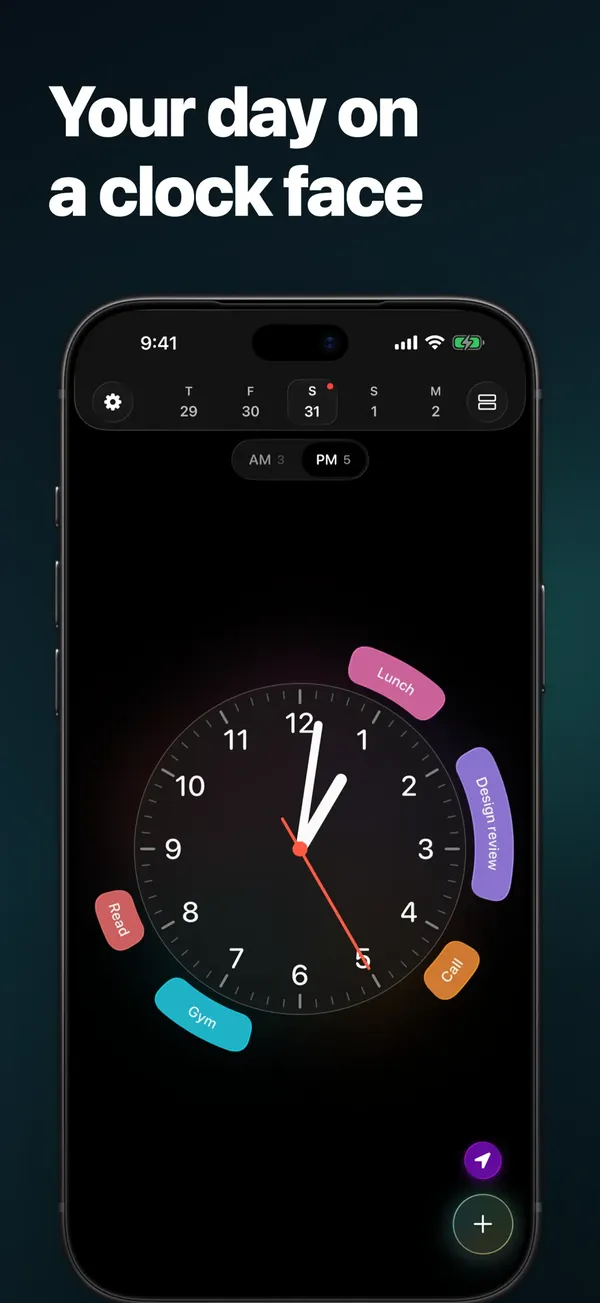
Calendar shows blocks of time but not how much time is left, which is the part many people with ADHD and many children need to see.