Pocket How
Guides

How to make an invoice on iPhone

Works on iPhone and iPad. Updated .

Short answer

Open Numbers, pick the Invoice template, fill in your details and the work, then export a PDF and send it.

Numbers invoice template

  1. Open Numbers (free from Apple) and tap Choose a Template.

  2. Scroll to Business and pick Invoice.

  3. Replace the sample details with yours, the client’s, and each line of work.

  4. Tap the More button, choose Export, then PDF, and send it by Mail or Messages.

Where the built-in way stops

Numbers does not number invoices for you, does not know which ones are paid, and leaves every tax and discount formula to you.

Paidly: Invoice Maker

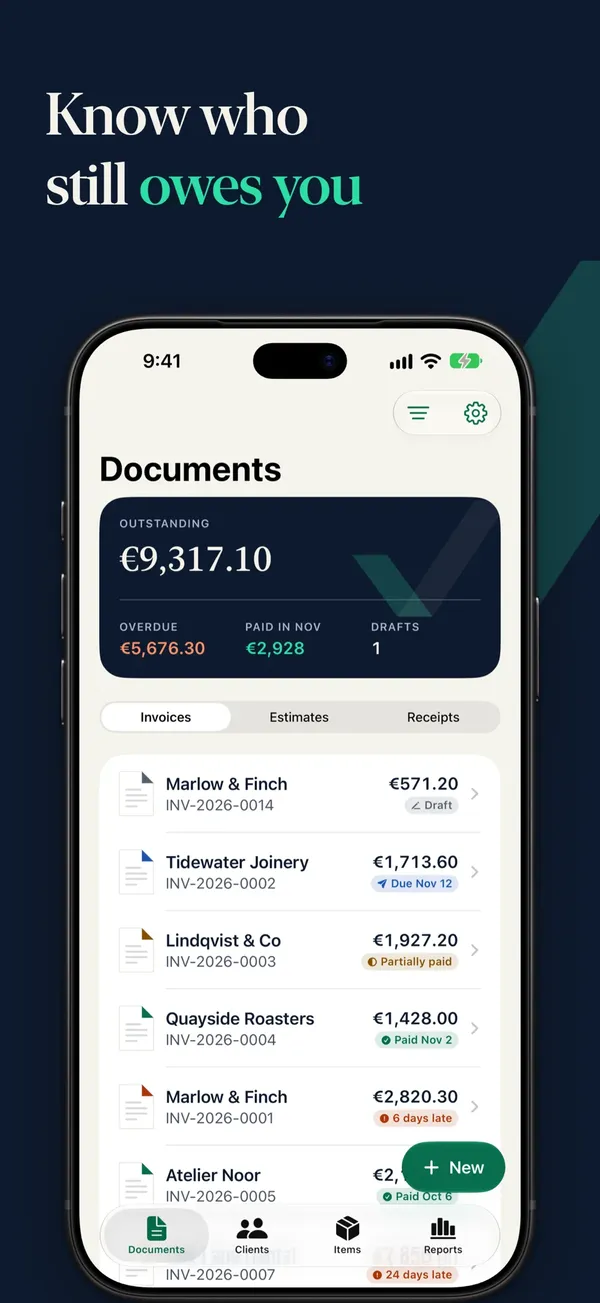
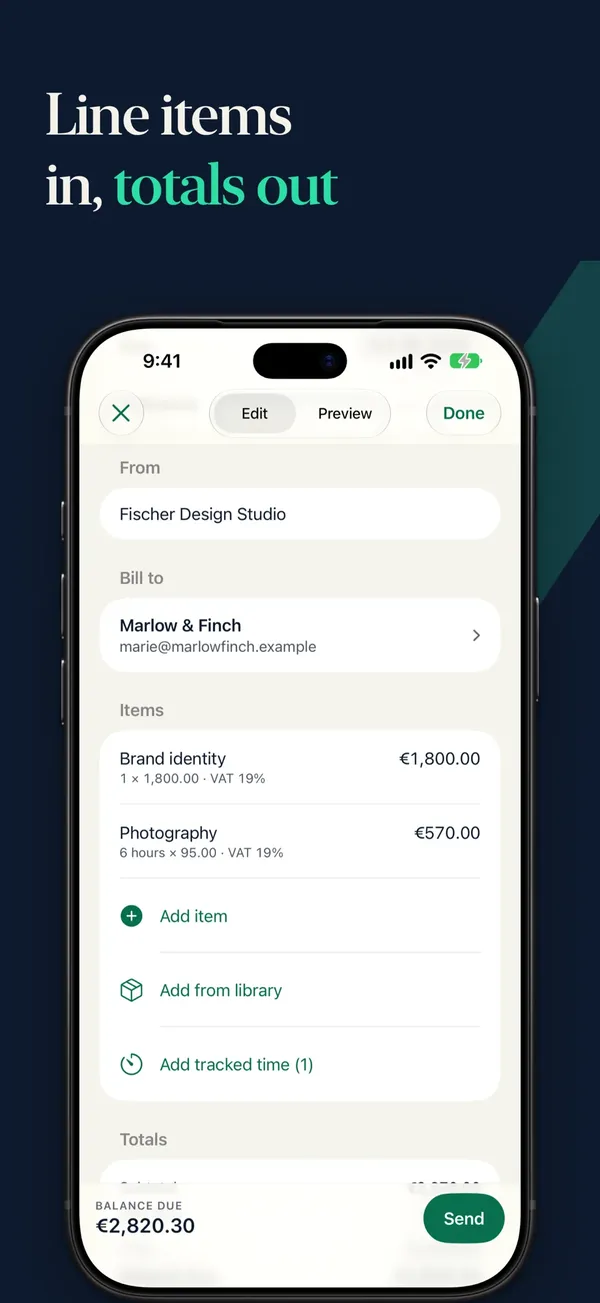
Paidly numbers each invoice, does the tax and discount arithmetic, and shows what is outstanding and overdue first.

Get on the App Store
Paidly on iPhone, App Store screenshot 1Paidly on iPhone, App Store screenshot 2Paidly on iPhone, App Store screenshot 3Paidly on iPhone, App Store screenshot 4
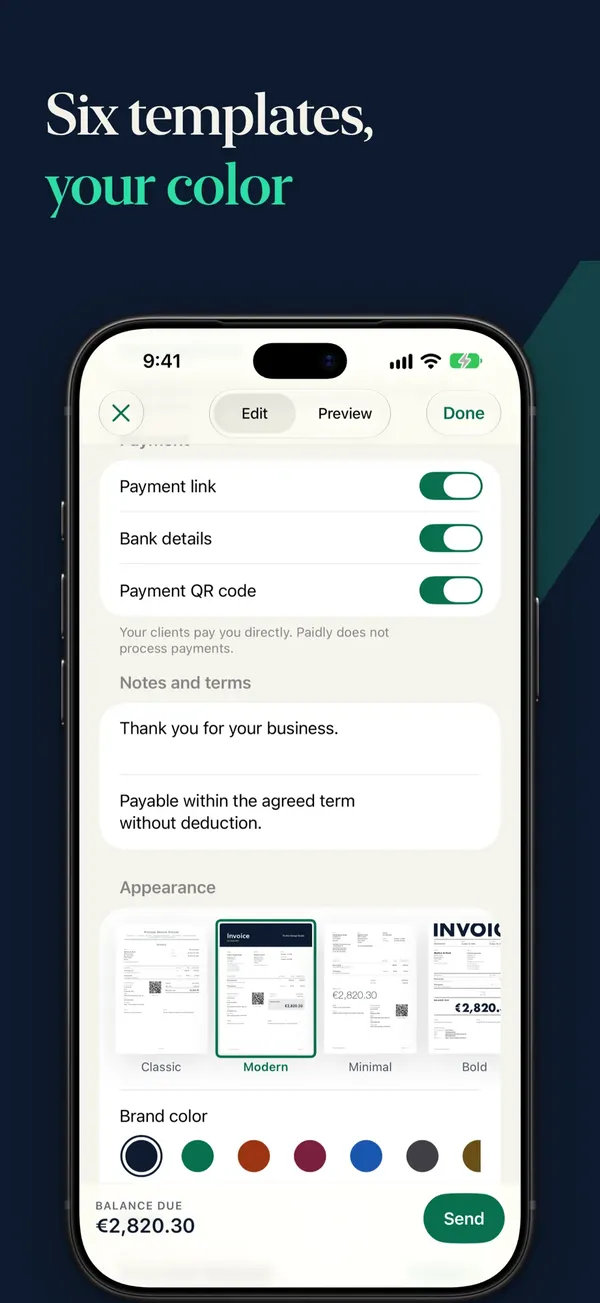
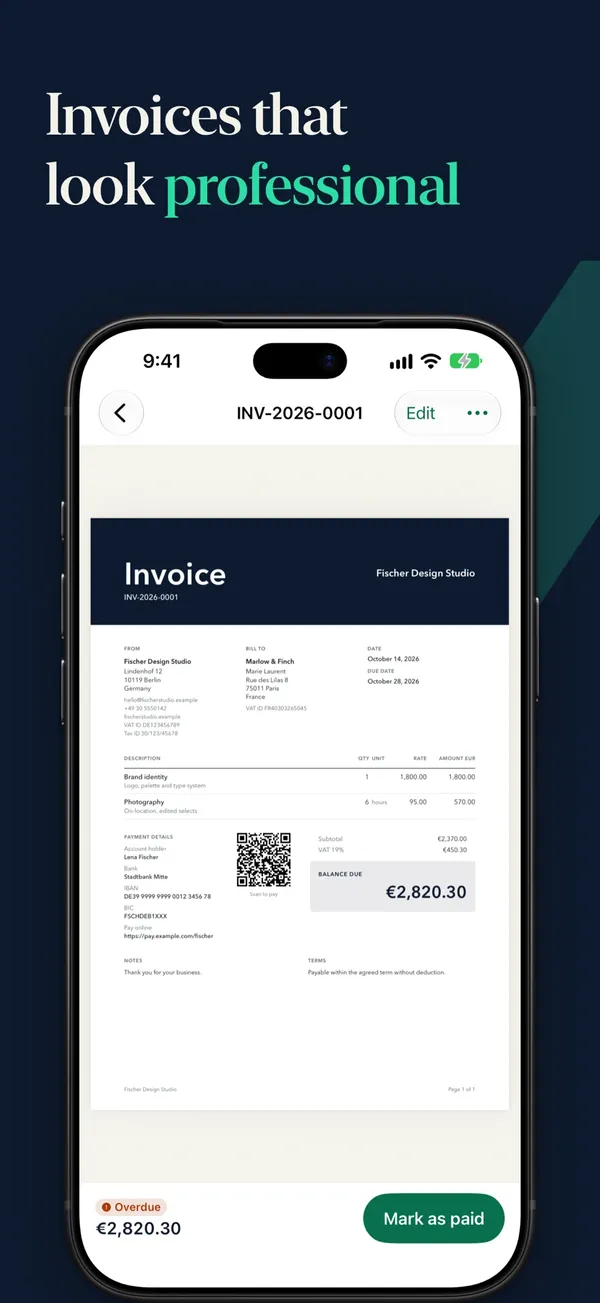
  • Invoices, estimates and receipts in six typographic templates with your logo
  • Discounts, several tax rates, deposits and part payments, every total traceable
  • Shows outstanding and overdue amounts first, and records payments as they arrive

No account; everything works offline and stays in your own iCloud.

We make Paidly. That is why it is the app named here.

Questions people also ask

  • What must an invoice include?

    Usually your name and address, the client’s, a unique number, the date, a description of the work, the amounts and tax, and how to pay. Rules vary by country.

  • Can I accept card payments from an invoice?

    Add a payment link from your payment provider to the invoice, so the client can pay online.

More things your iPhone can do