Pocket How
Guides

How to record your snoring on iPhone

Works on iPhone. Updated .

Short answer

Start a recording in Voice Memos, put the iPhone on its charger beside the bed, and play the night back in the morning.

Voice Memos

  1. Plug the iPhone in and place it on the nightstand, microphone facing the bed.

  2. Open Voice Memos and tap the red Record button before you sleep.

  3. In the morning tap the recording, then the Stop button, and scrub through it.

Where the built-in way stops

You get one long file and no markers, so finding the snoring means listening through hours of silence. A full night also takes a lot of storage.
Nocturne: Sleep Talk & Snore

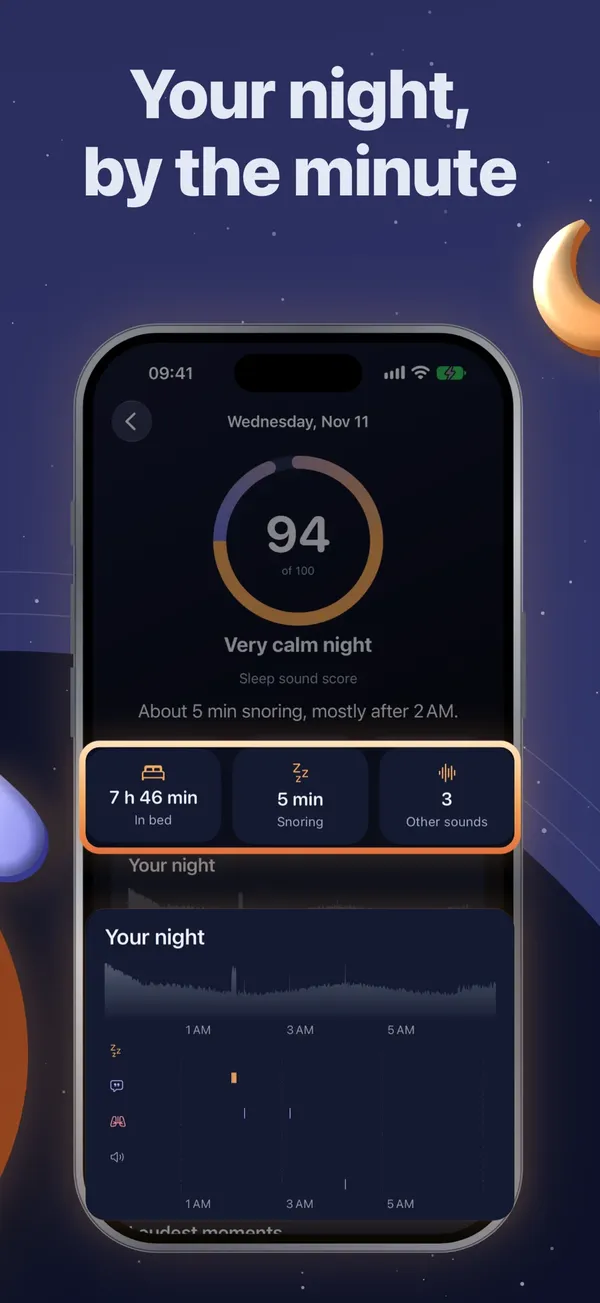
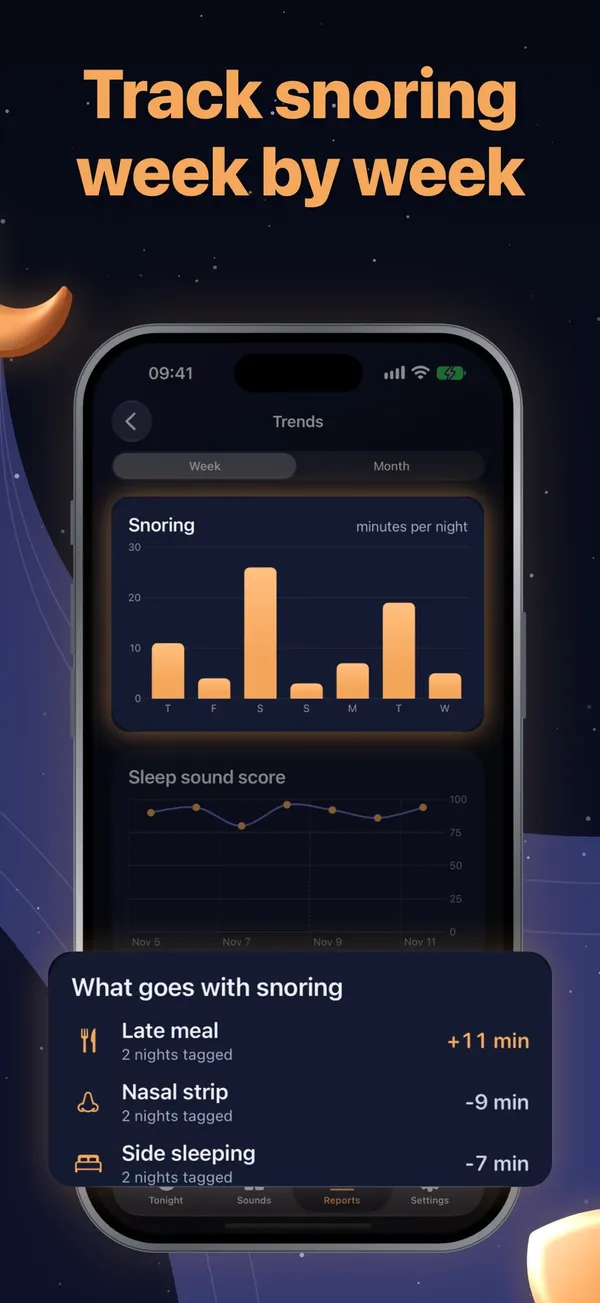
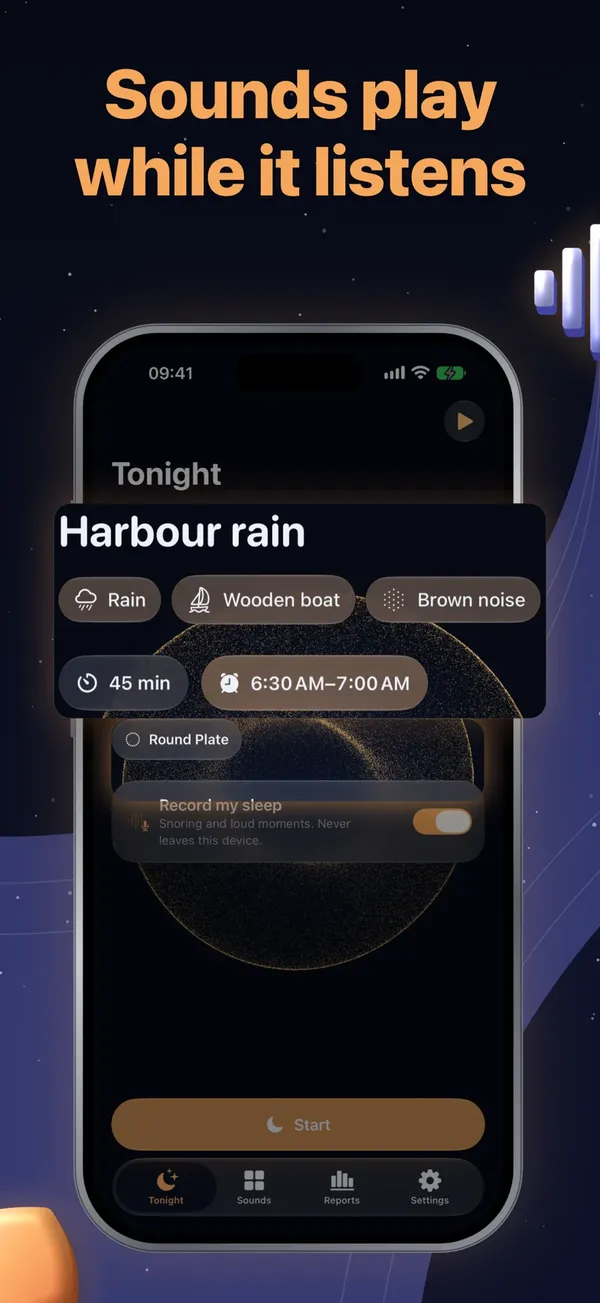
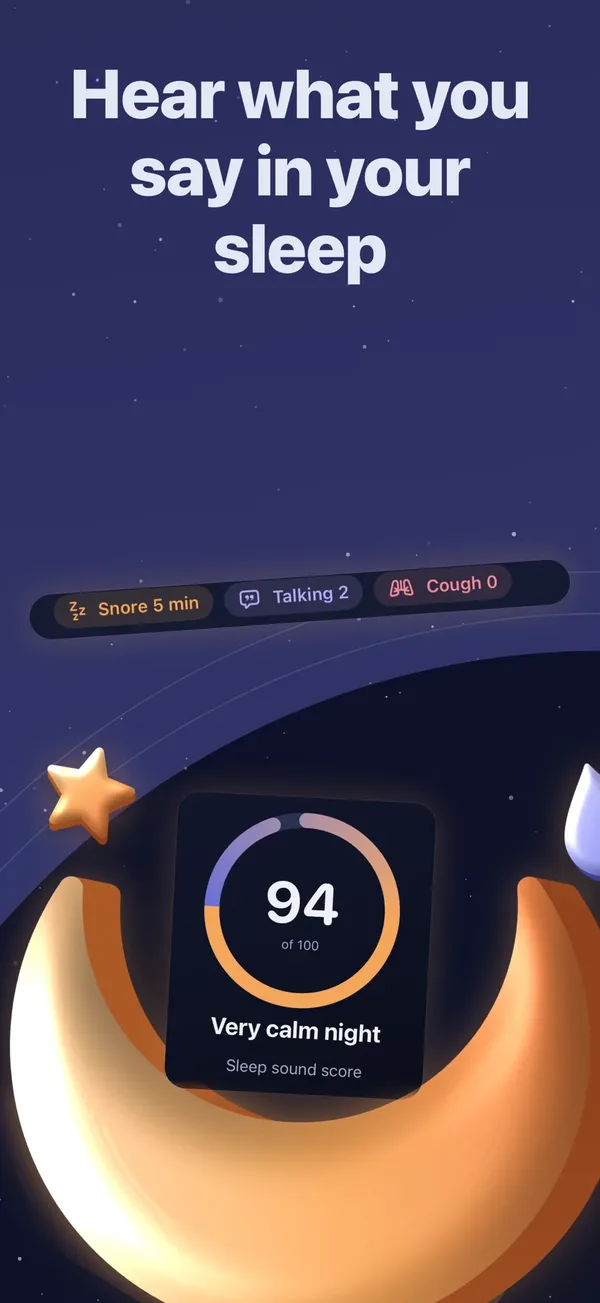
Nocturne listens on the device, marks each snore, sleep talk and loud noise, and gives you a morning timeline with a short clip for each.

Get on the App Store
Nocturne on iPhone, App Store screenshot 1Nocturne on iPhone, App Store screenshot 2Nocturne on iPhone, App Store screenshot 3Nocturne on iPhone, App Store screenshot 4
  • Detects snoring, sleep talk, coughs and loud noises on the device
  • A morning report with a timeline and a short clip for each moment
  • No account; nothing is uploaded and clips delete themselves

Records every night for free, with the latest report and its three loudest clips.

We make Nocturne. That is why it is the app named here.

Questions people also ask

  • Should I worry about my snoring?

    Loud snoring with pauses in breathing or gasping is worth mentioning to a doctor. A recording helps you describe it.

  • Will recording all night drain the battery?

    Keep the iPhone on its charger. Recording audio with the screen off uses little power, but a full night still adds up.

More things your iPhone can do