Pocket How
Guides

How to tune a piano with your iPhone

Works on iPhone and iPad. Updated .

Short answer

There is no tuner built into iPhone, and a guitar tuner app is not enough: a piano is tuned to its own stretched curve, measured from its strings.

Check one note with GarageBand

  1. Open GarageBand (free from Apple) and pick Amp under the guitar instruments.

  2. Tap the tuning fork button and play A4, the A above middle C.

  3. The needle shows whether that string is sharp or flat of 440 Hz.

Where the built-in way stops

A chromatic tuner aims every note at equal temperament, but real piano strings are stiff and their overtones run sharp. Tuned that way, octaves sound flat. You also need a tuning lever and mutes.
Stretch: Piano Tuner

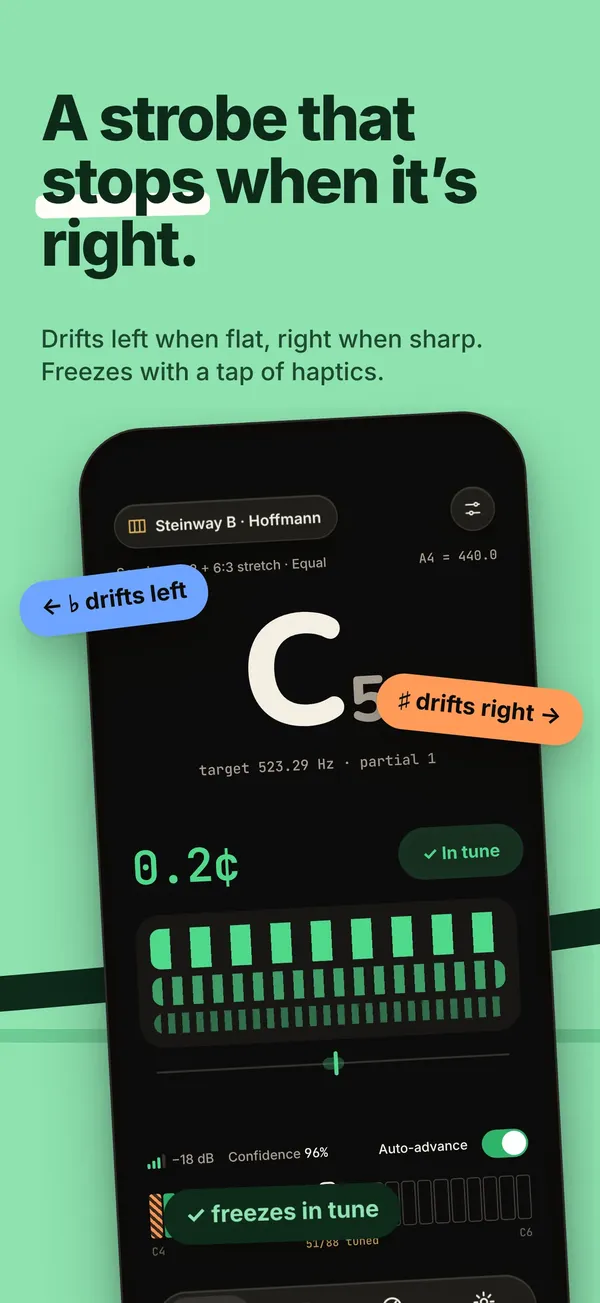
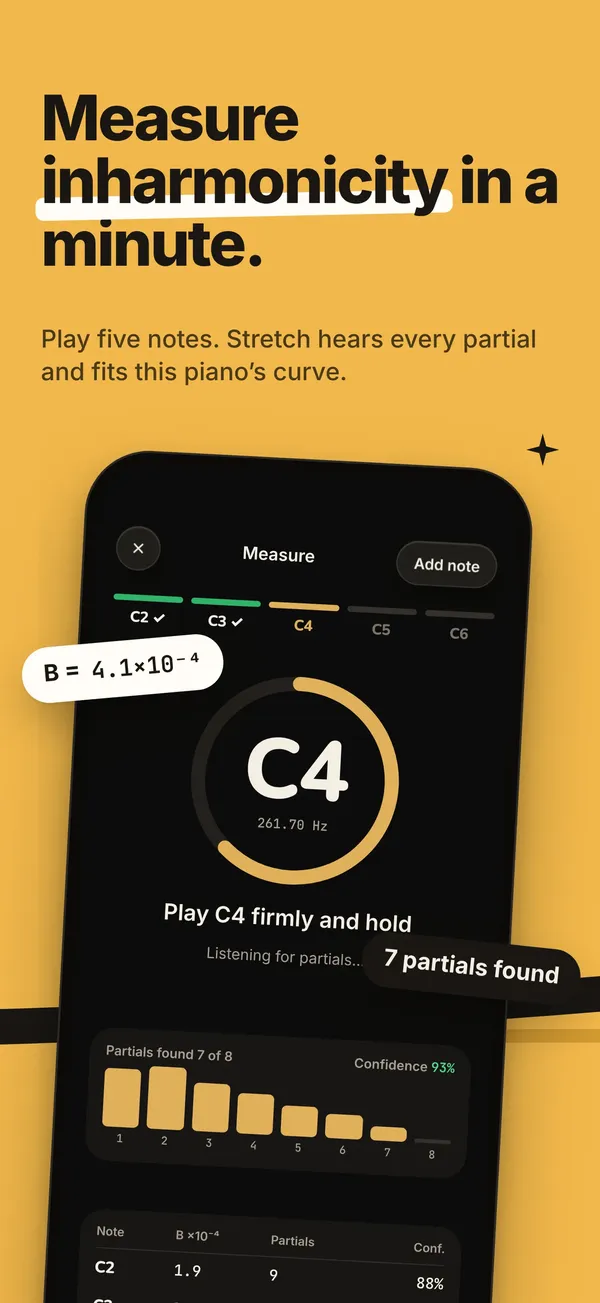
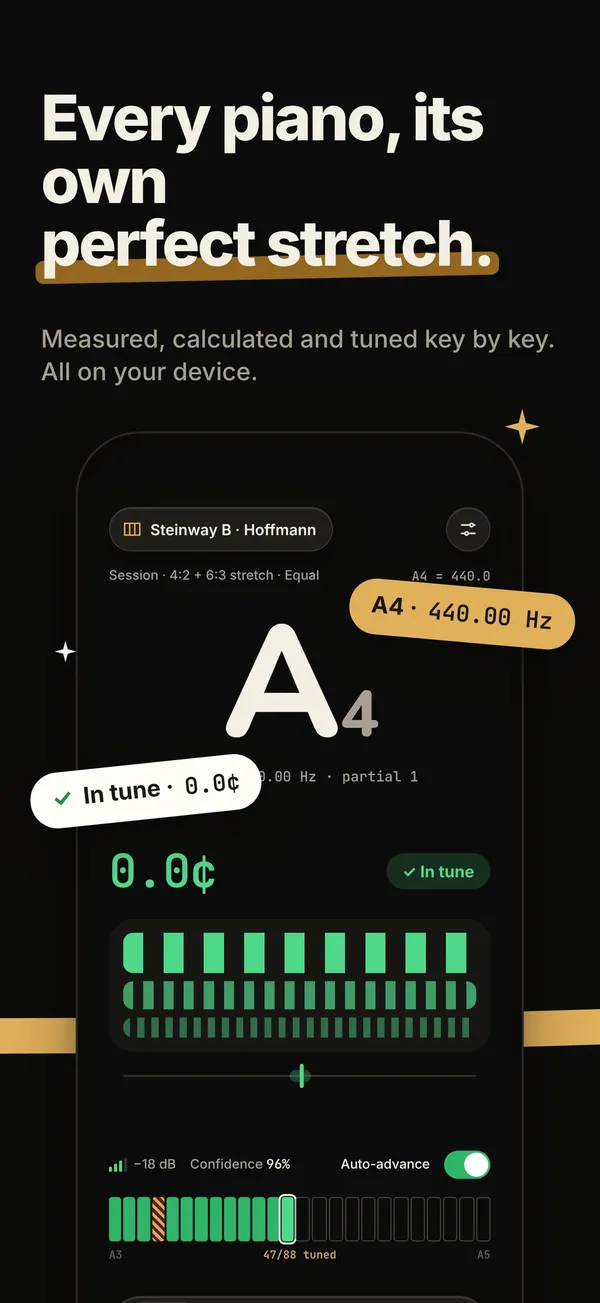
Stretch measures the inharmonicity of the piano in front of you from five notes and sets a stretched target for all 88 keys, with a strobe display.

Get on the App Store
Stretch on iPhone, App Store screenshot 1Stretch on iPhone, App Store screenshot 2Stretch on iPhone, App Store screenshot 3Stretch on iPhone, App Store screenshot 4
  • Measures this piano’s inharmonicity from five notes and sets targets for all 88 keys
  • A strobe that drifts when a string is off and stands still when it is right
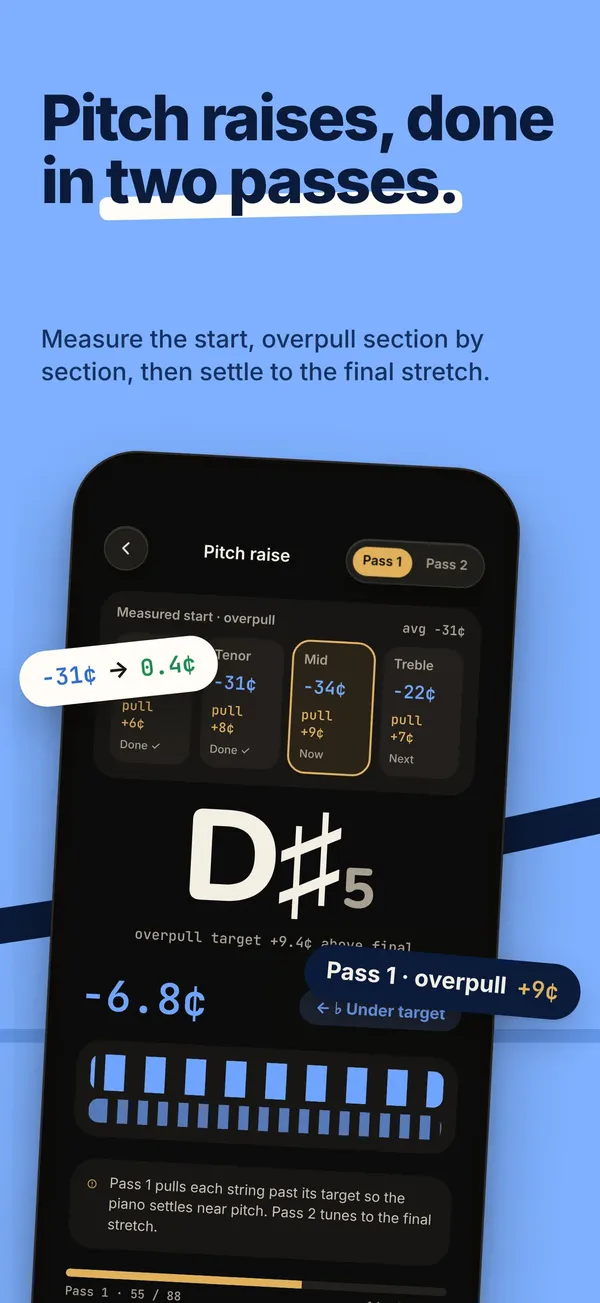
  • Pitch raises in two passes, section by section

The microphone, the maths and your client files stay on your device.

We make Stretch. That is why it is the app named here.

Questions people also ask

  • Can I tune my own piano?

    You can, with a tuning lever, mutes, patience and an accurate app. A pitch raise on a piano that is far off is better left to a technician.

  • What is stretch tuning?

    Tuning the treble slightly sharp and the bass slightly flat of equal temperament, so octaves match the piano’s real overtones.

More things your iPhone can do